




Student's web office

Web office
STUDENT

The student's electronic office is designed to simplify processes directly related to students, their workload and academic performance. 

What a methodist gets

Creation of offers of subjects of free choice from educational programs, including from various educational programs (designer)

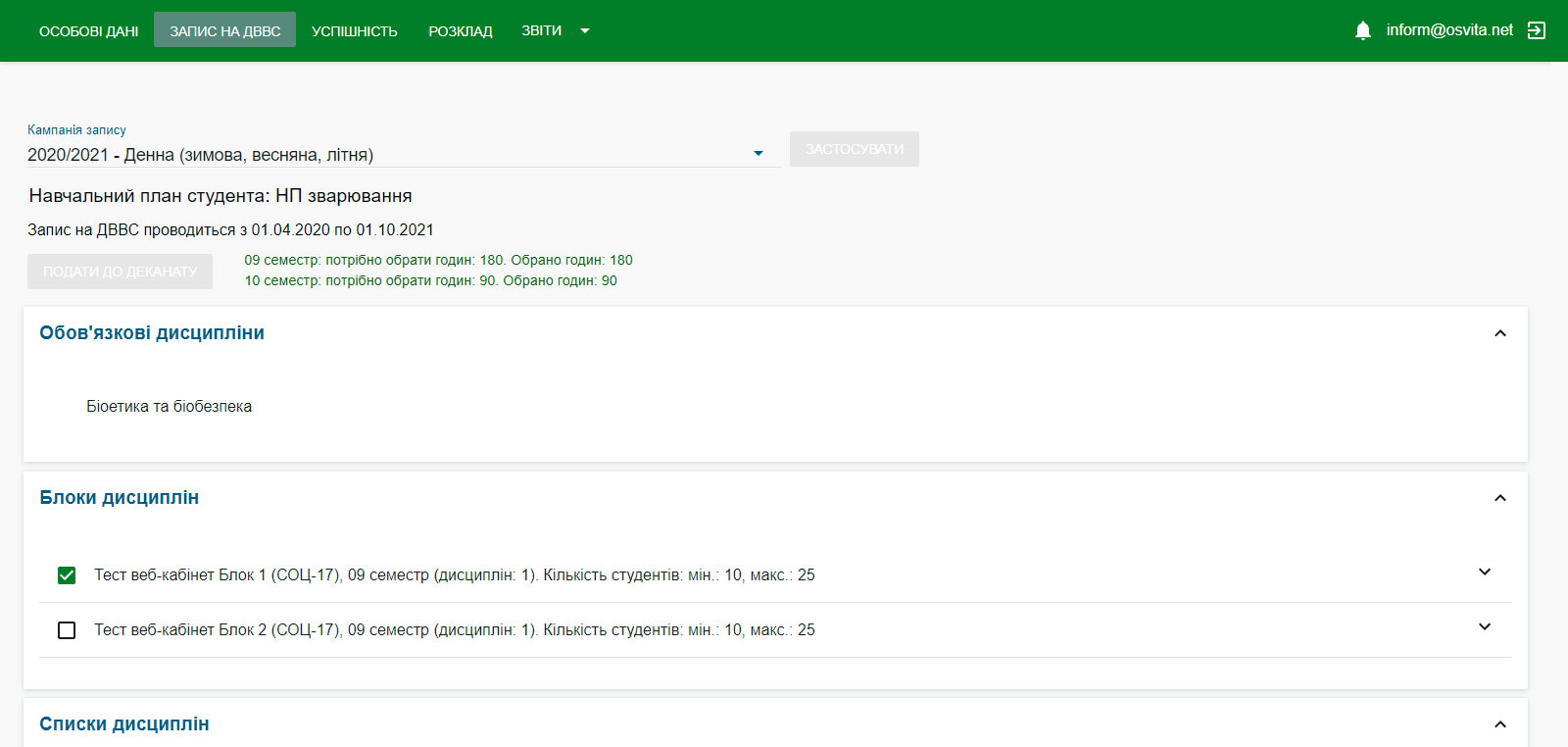
Giving the student the opportunity to choose disciplines of free choice online

Automated analysis of the subjects of free choice chosen by the student, confirmation of the subjects chosen by the student

Creation of individual study plans of the student, based on confirmed disciplines of free choice

Review of disciplines, schedule

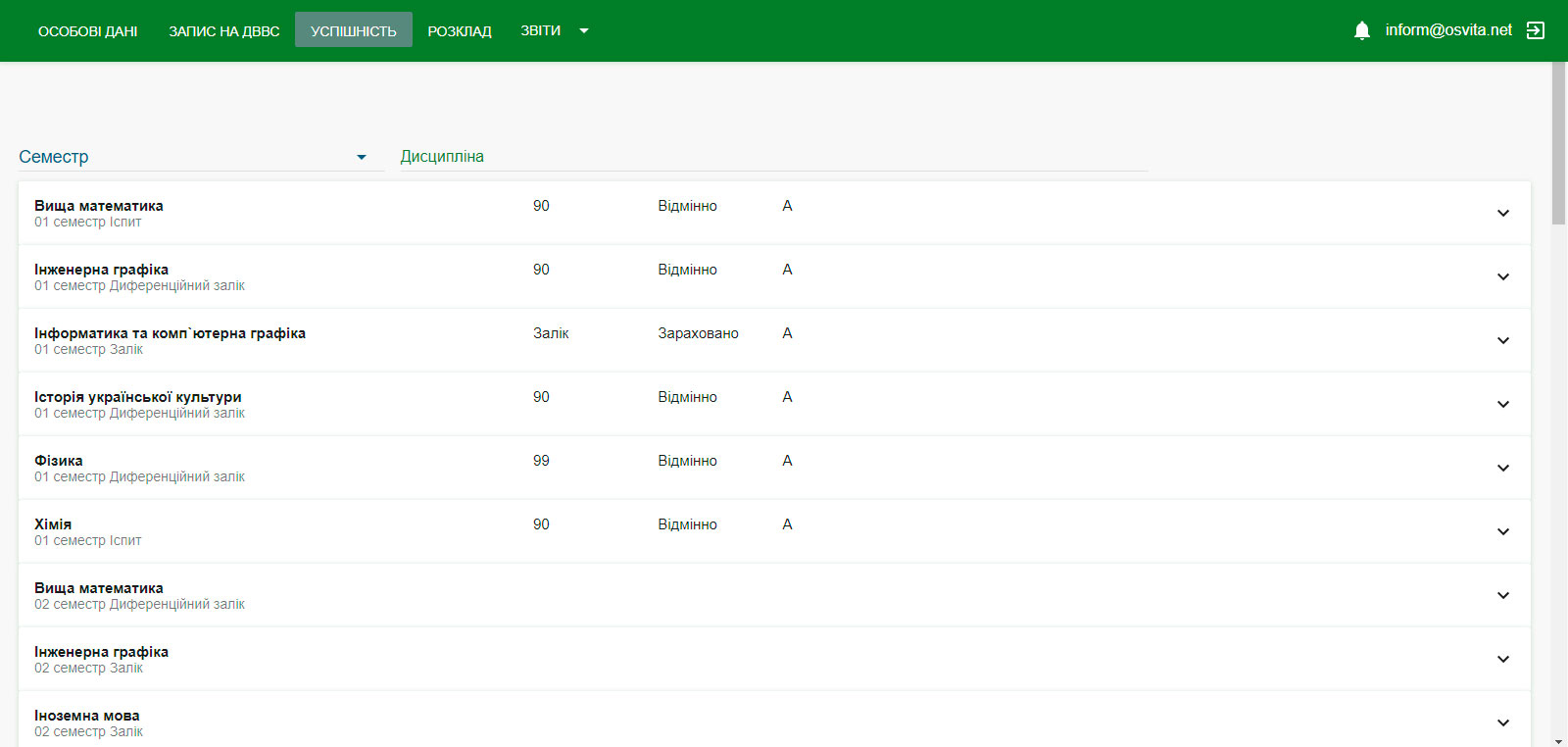
View performance, grades

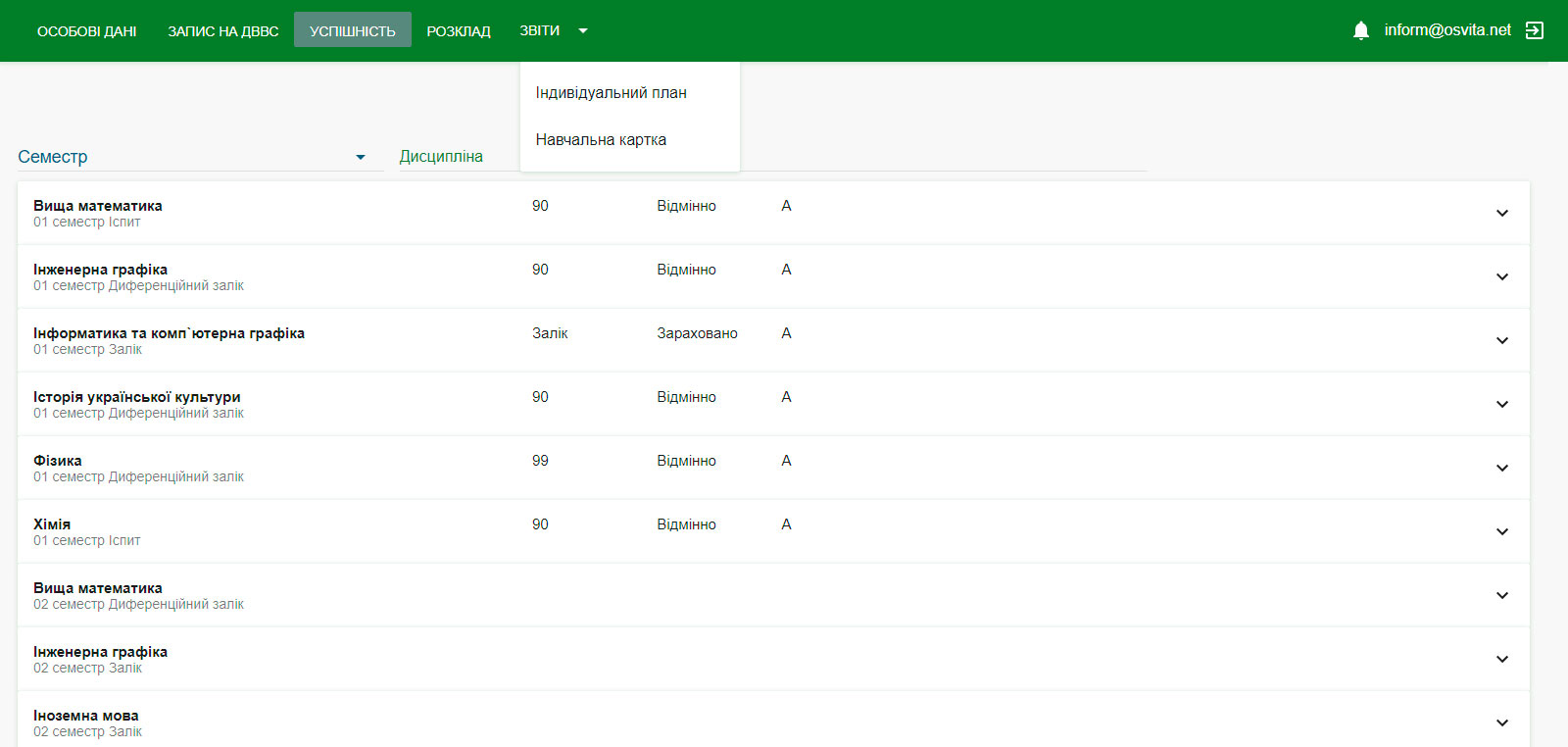
Formation of reports

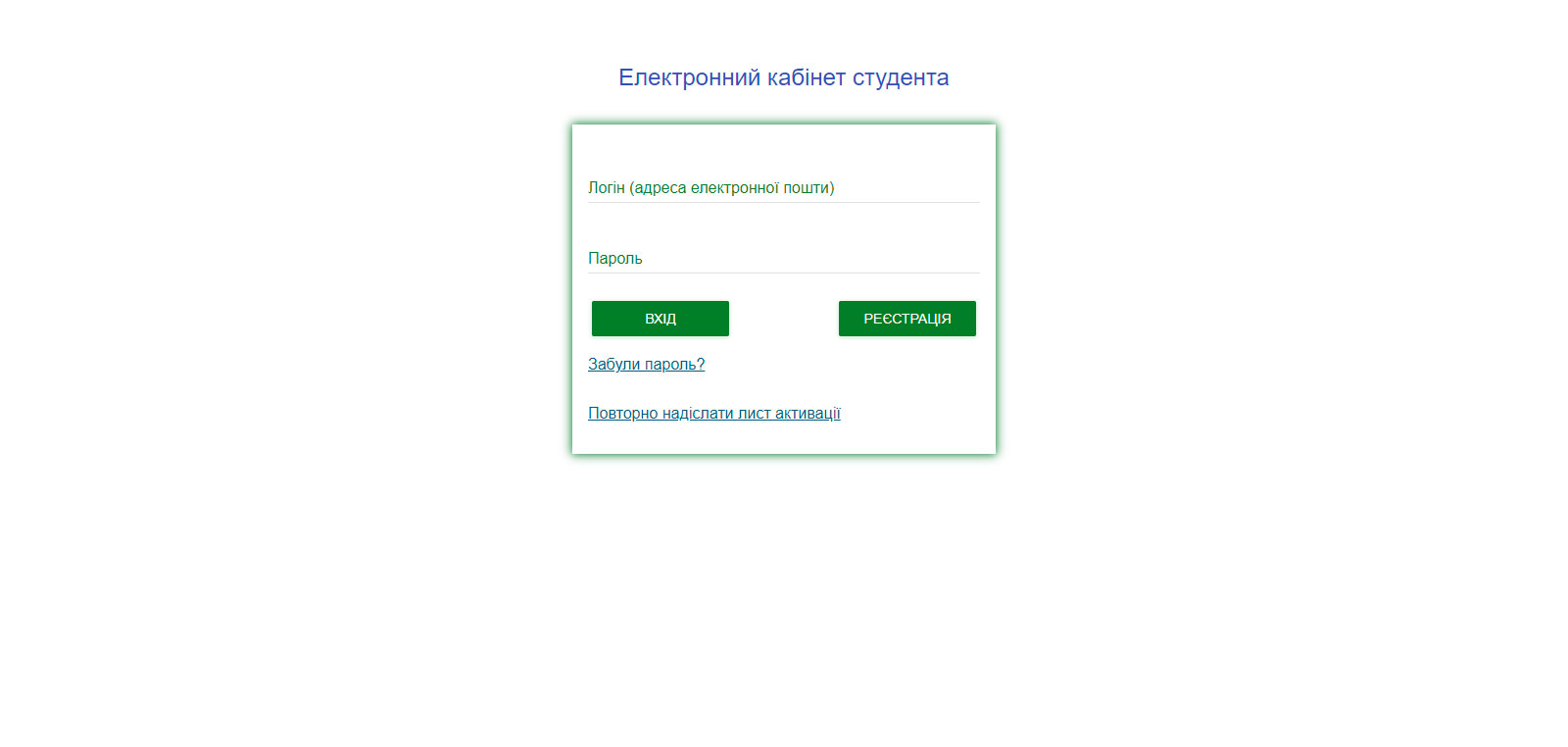
Authorization

Authorization through Microsoft 365

Log in using your Microsoft 365 corporate account. Provides quick access and integration with the educational environment of the institution.

Authorization via Google

Sign in with your Google account without having to create a separate password. Convenient for students and provides quick access.

Login and password authorization

The classic login method using a username and password. Suitable for all users and does not require connecting to third-party services.
What does ZVO get?

A functional tool for creating a catalog of subjects of free choice

A functional tool for notifying the student about the possibility of choosing a discipline of free choice

Ready analysis of the disciplines chosen by the student

Operational communication with the student (work during quarantine)

Reporting

Teacher's web office

Electronic office of the methodologist/teacher

What the student gets

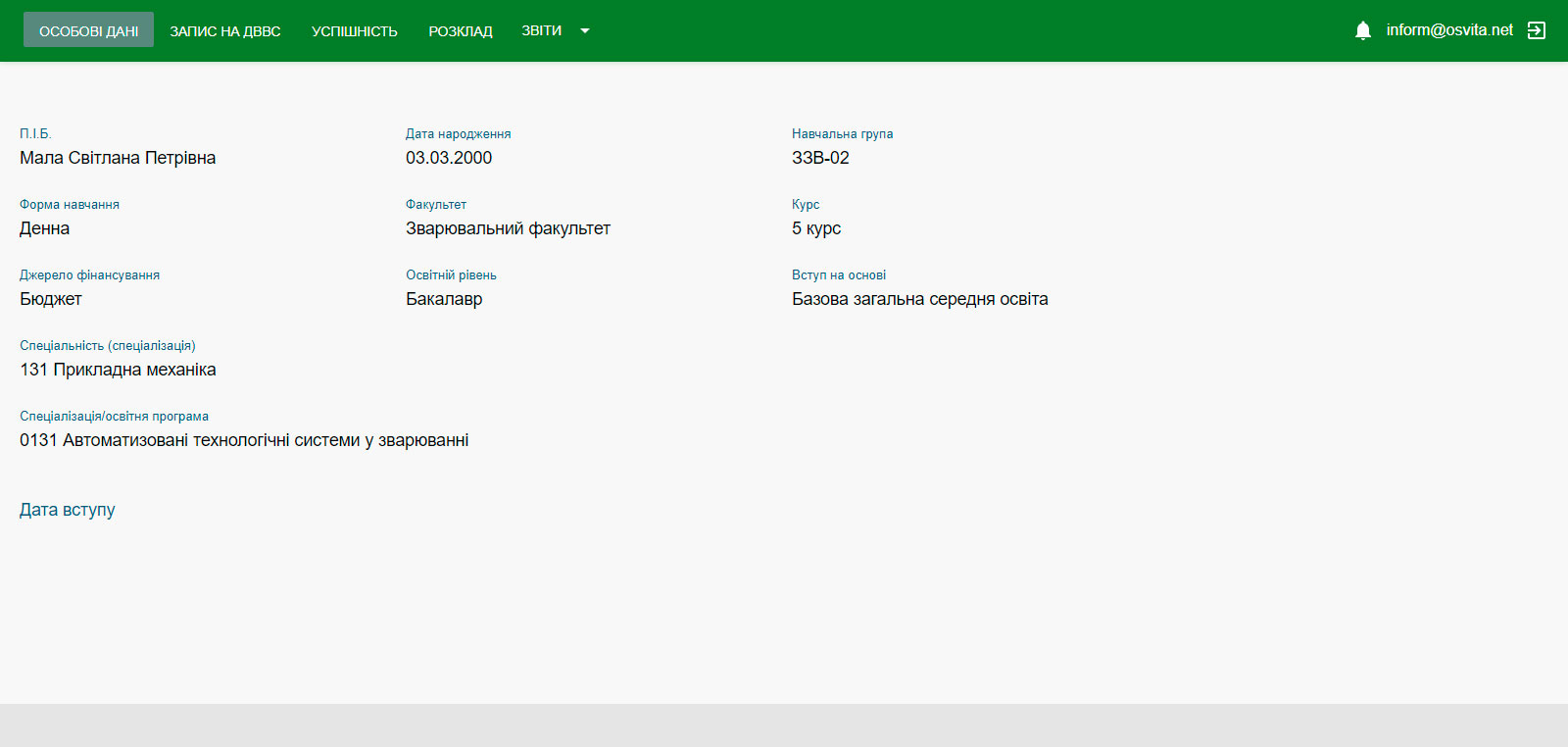
Personal data

Personal office with information on the educational process

Success/Schedule

Electronic journal with schedule and academic performance

Systems reports

Creating own reports and displaying them in the student's office

Information

Operational information about the educational process

Record at DVVS

Enrollment in subjects of free choice in real time

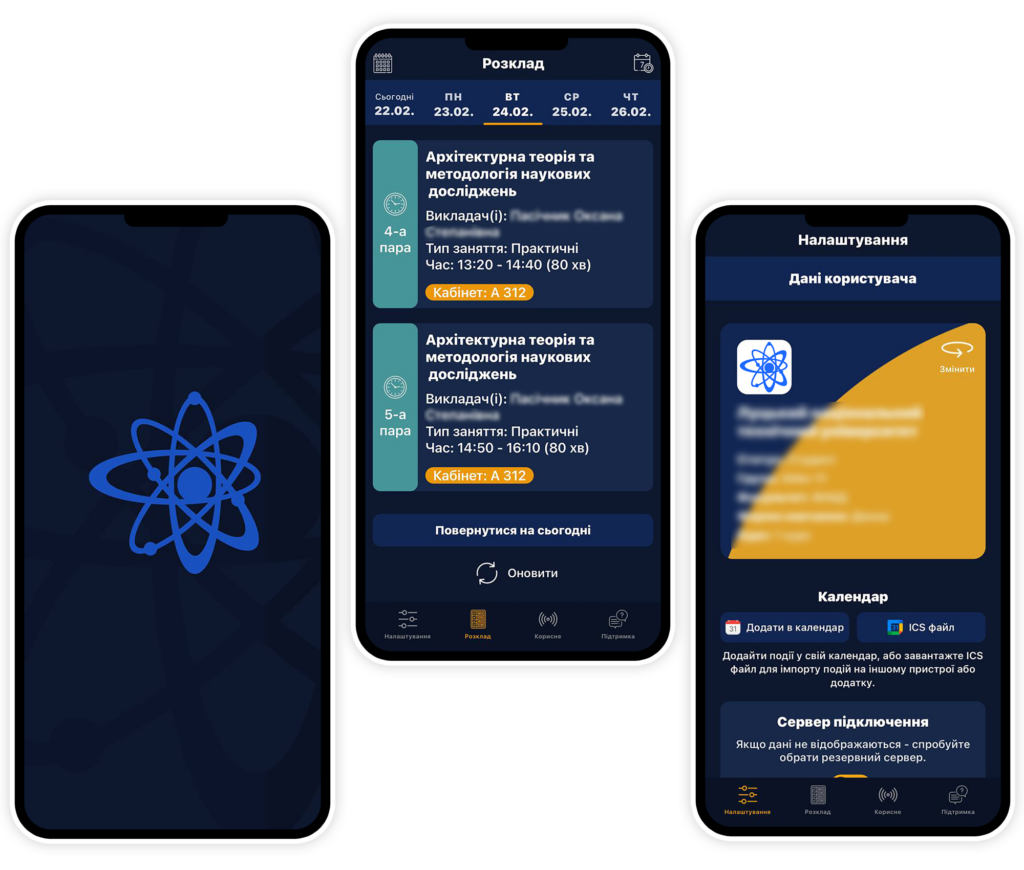
Schedule always at hand

Every educational institution that uses the ACS "VNOZ" can receive a Web schedule, and its students and teachers can download the free application "ASU VNOZ. Schedule"

It's easy, just a few simple steps to install the Web Timetable on your school's website so that students and staff can always see their schedule. The module is optimized for all known browsers, so high-quality display of the schedule is guaranteed.

A concise, bright and convenient interface that is understandable to every user. The diverse functionality of the application allows the user not only to view the schedule, but also to find the building and find out the phone number of the educational institution.

Order Web Dean's Office

Leave your message and we will contact you shortly.

Feedback

Leave your message and we will contact you shortly.

Feedback

Leave your message and we will contact you shortly.

Packages of technical support services

Services
Base
Standard
Expanded
Development of new reporting
No
No
Yes
Skype consultations/Working group
No
No
Yes
Consultations by email
No
Yes
Yes
Upgrade to a new version
Yes
Yes
Yes
Forum
No
No
Yes
% from the current cost of the system per year
10%
15%
25%

Free technical support for users of the ACS "VNOZ" is provided within 12 months after the signing of the contract for the purchase of the program.

Dear users! In connection with the growth of the exchange rate, the cost of technical support will be calculated from the current prices for ACS of the university on the day of the conclusion of the contract.

ASU University: Admissions Committee

Leave your message and we will contact you shortly.

ASU of the university: Dean's office

Leave your message and we will contact you shortly.

ASU "VNZ": Full version

Leave your message and we will contact you shortly.

Order a calculation

Leave your message and we will contact you shortly.