



AS "Admissions Committee"
The "Admissions Committee" automated system" – is a software and technology suite designed to provide information to support decision-making at the level of an educational institution’s admissions committee.
About the system
The system provides full automation of all stages of the work of the admissions committee of the educational institution: receiving documents, registering data about applicants (entrants to the educational institution), giving them a certain status at the current moment, admission to entrance exams, processing the results of entrance exams, enrollment, maintaining directory information about the structure of the educational institution and the formation and printing of documents supporting the work process of the admissions committee of the educational institution according to the specified forms (lists, summaries, information, reports, orders, protocols and other documents).
The "Admissions Committee" system ensures
- branching of user access;
- maintaining a database of applicants;
- formation of the schedule of entrance tests with the possibility of entering the entrants' grades into the database;
- automatic formation of the competition by faculties, admission categories, specialties and other parameters.
- verification of the authenticity of education documents;
- verification of the authenticity of UTSOYAO certificates;
- export to the system for creating applications for the production of student/pupil tickets of the state model Education;
- synchronization with the EDEBO database;
- integration with the "Dean’s Office" system, export and import;
- reporting on the results of the final control;
- printing of current, official, statistical and reporting documentation.
The "People" module"
The module is intended for creating, editing, deleting questionnaires of potential applicants who apply to several faculties. Questionnaires from this module are used to create personal files of entrants in the corresponding module.
Interface
In the window there is a list of questionnaires that are registered in the database. The list is presented in the form of a table with the main questionnaire data:
- Surname, first name, patronymic;
- Date of birth;
- Document (series and number of the identity document);
- Origin;
- "With photo" tick box;
- Gender;
- "Foreign national" tick box;
- The "OS" tickbox, or personal file;
- "User who created the profile" – this information is retrieved from "Access Management", specifically the "Surname, first name, patronymic" field in the system user’s profile;
- Do not synchronize with ANYWHERE that contains data about the user and his comment.
The "Applications" module"
The module is intended for monitoring and managing applicants' applications. Tabs:
- Basic data
- Application status
- Direction
- Test results
- Categories
- Notes
- Contract
- Letter of motivation
Interface
The window is vertically divided into two parts, in the left part there is a filter tree, which can be used to filter the list of applicants according to certain characteristics, in the right part of the window there is a list of applicants (grid) presented in the form of a table with the main questionnaire data of the person.
"Entrance Examinations" module"
The module is designed to analyze the results of the entrance tests of all applicants who enter the NZ based on the relevant offer.
Through the module, you can track applicants with unassigned entrance tests, an empty score on the educational document, and unsatisfactory test results.
"Entrance Examination Results" module"
Applicants" forms are transferred to this module when an assessment is assigned to them on the "Concessions and Categories’ tab of the form.
The "Competition" module"
- Personal case prefix
- Admission pathway – determined in accordance with the following reference documents: "Admission Pathways", "Admissions Plan"; "Categories by Admission Pathway"
- Competitive selection – based on the following reference documents: "Admissions Plan"; "Categories by admission pathways";
- Faculty
- According to the form of education
- Specialty
- Category – a list of categories available for this competition;
- An offer is drawn up in accordance with the "Admissions Plan" handbook.
Module: "Competition for degree programmes based on the Unified State Examination"
The module is intended for the ability to review and edit the competitive situation for applicants who enter specializations for the 1st year based on the PZSO for the regular term of study.
This module differs from the "Competition by Proposals" module in that it allows you to view applications submitted for the specialisations within a single degree programme (the "Competition by Proposals" module allows you to view applications for each specialisation separately).
"Reports" module"
The "Reports" menu item displays the system’s standard reports and reports grouped by type and purpose; this menu item will also display reports created by the educational institution’s system administrator using the "Report Designer" application.
Reconciliation of data between the "Admissions Committee" system and the Unified State Electronic Database for Education (USEDEBO)
In order to ensure effective interaction between PC and EDEBO, it is recommended to perform a reconciliation of basic data in PC and EDEBO.
Data reconciliation is implemented in two stages.
First, the administrator of the higher education institution or faculty imports data from the Unified State Electronic Database for Admission (EDBO) into the temporary buffer tables of the "Admissions Committee" system.
The data is then verified using the reports included in the software delivery, or can be developed by the user himself.
Verification of education documents
The verification of educational documents is designed to carry out a batch check on the authenticity of documents entered into the "Admissions Committee" automated system, based on data from the "OSVITA" information system.
System reports
In addition, the "Admissions Committee" software features a flexible reporting system that allows users to create their own reports based on the required criteria.
An employee of the admissions committee can monitor the entire database of the faculty or educational institution, review the complete list of disciplines for which the entrance exams and evaluations of the applicant were conducted.
The advanced search function allows you to find an applicant's personal card within the university's admissions office, even with incomplete personal data.
Imports from the "Decanat" Agricultural Cooperative"
Via "Import from the "Dean’s Office", a technician is called upon to import student profile data from the "Dean’s Office" system for students who are studying for or have completed a Bachelor’s degree and are submitting their applications, as required by the institution’s admission regulations.
Setting the import algorithm is available on the Export/Import tab in the program settings.
Access administration
This form consists of two tabs, "Users" and "Roles", which the administrator uses to manage the access rights of users of the "Admissions Committee" system to the database.
A programme module consists of on-screen forms that carry out a specific stage of the admissions committee’s work. There are currently 7 modules in the system:
- Personal affairs;
- Statements;
- Entrance tests;
- Results of entrance exams;
- Competition;
- Recommended applicants;
- Advanced search.
The administrator can enable or disable access to any of the modules listed above. If access is disabled, the user will not see the relevant module in the client; if access is enabled, access to the data within the module is determined by the user’s software roles.
Default user – a user account created by default after the system is installed.
Active user – is a user who is currently connected to the database.
Access to EDEBO – a setting that determines whether the selected user has access to the functionality for working with the Unified Electronic Document Management System (EDEBO). If the user does not have access to EDEBO, all interface elements for working with EDEBO in all modules will be unavailable to them.
The "Users’ tab" consists of an information panel divided in half, with a table on the left-hand side containing a list of registered users, showing each user’s name (username), date of registration and activity status.
On the other hand, an informative field, which highlights information about the provided program and system roles, and access to program modules for each of the registered users.
Work with documentation
Working with the information, the operator can register points from UTSOYAO certificates, evaluations from certificates or diplomas, sort applicants by the scored points, put a recommendation for enrollment, the name of the study group and the number of the enrollment order in a group way.
The automated system generates a large number of documents in the form of lists and tables, including such standardized reports as the applicant registration log, application progress, contingent characteristics, protocols for admission to trials and recommended for enrollment, enrollment orders, as well as analytical, statistical reports and all Ministerial forms of reports.
Ordering student tickets
AC "Admissions Commission" provides for data export to the information system of EDEB, data of enrolled students are transferred to the program for ordering student tickets.
Thus, student tickets can be ordered, produced and issued to students even before classes begin. This is a simple example of the expediency of the program's interaction with the OSVITA IVS.
Export to Education
This form is used to export data on admitted applicants for subsequent use in the "Education" programme, which is designed to generate orders for the production of student and pupil ID cards.
Mobile app
Your timetable is always to hand
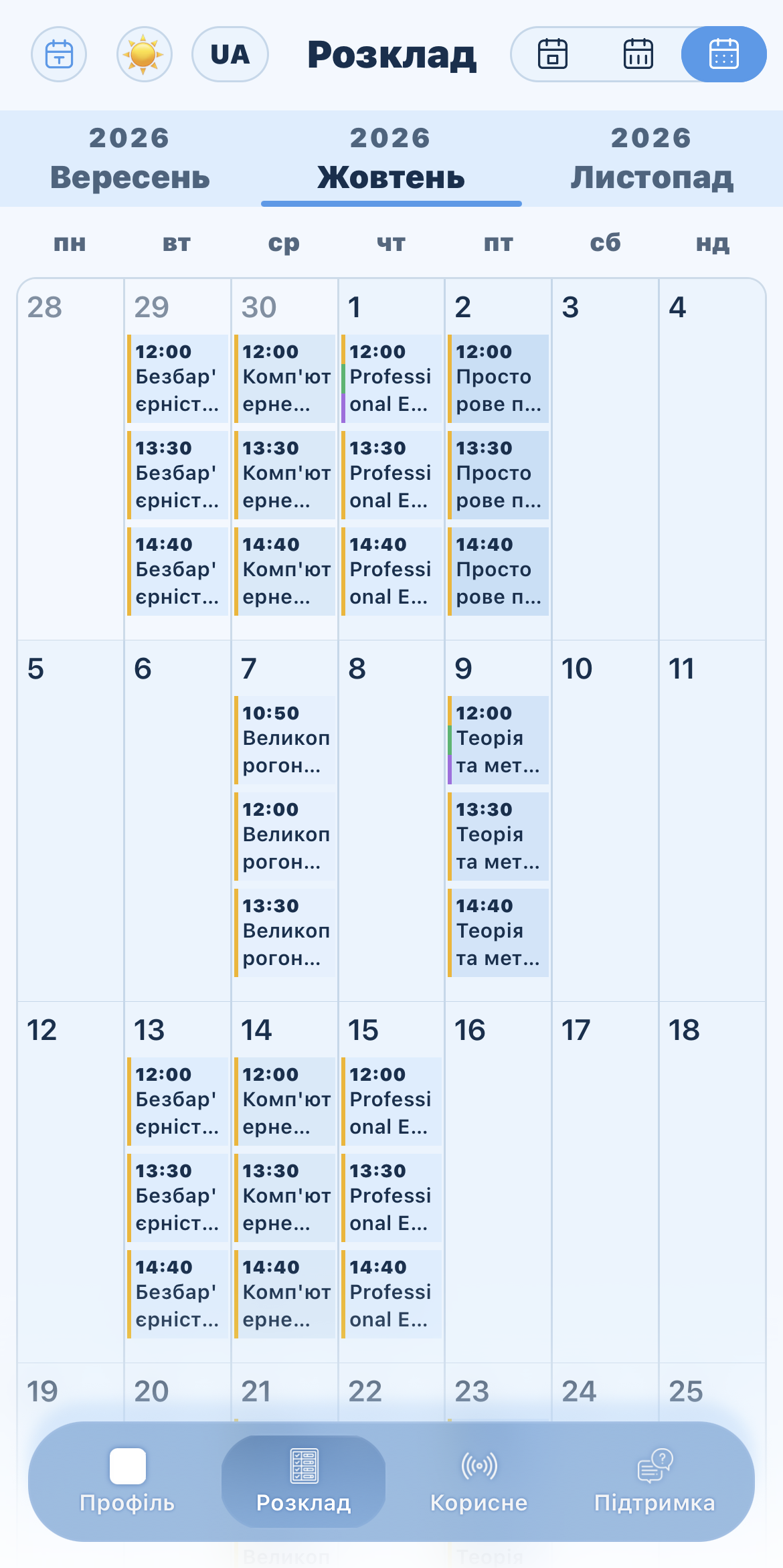
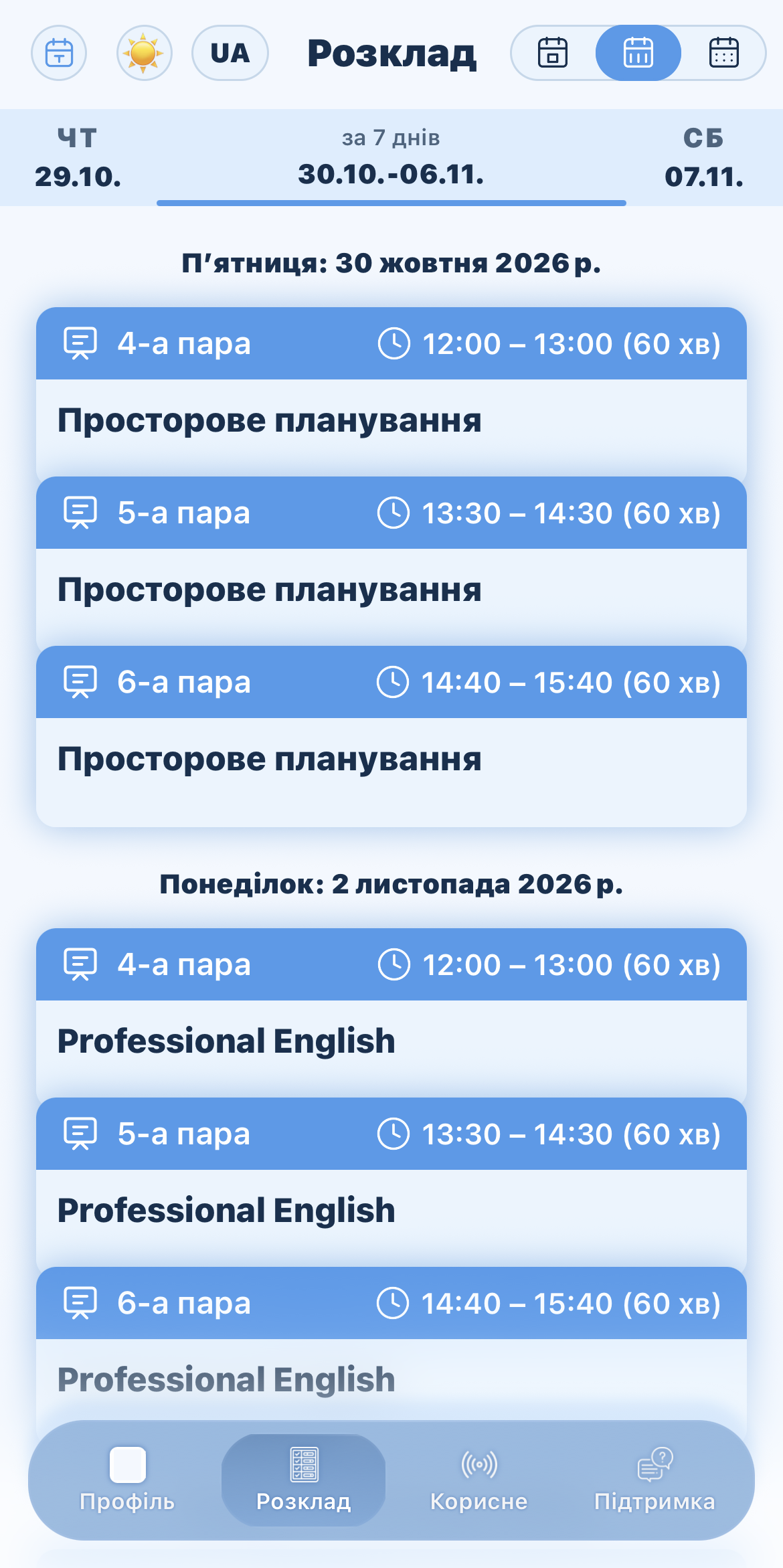
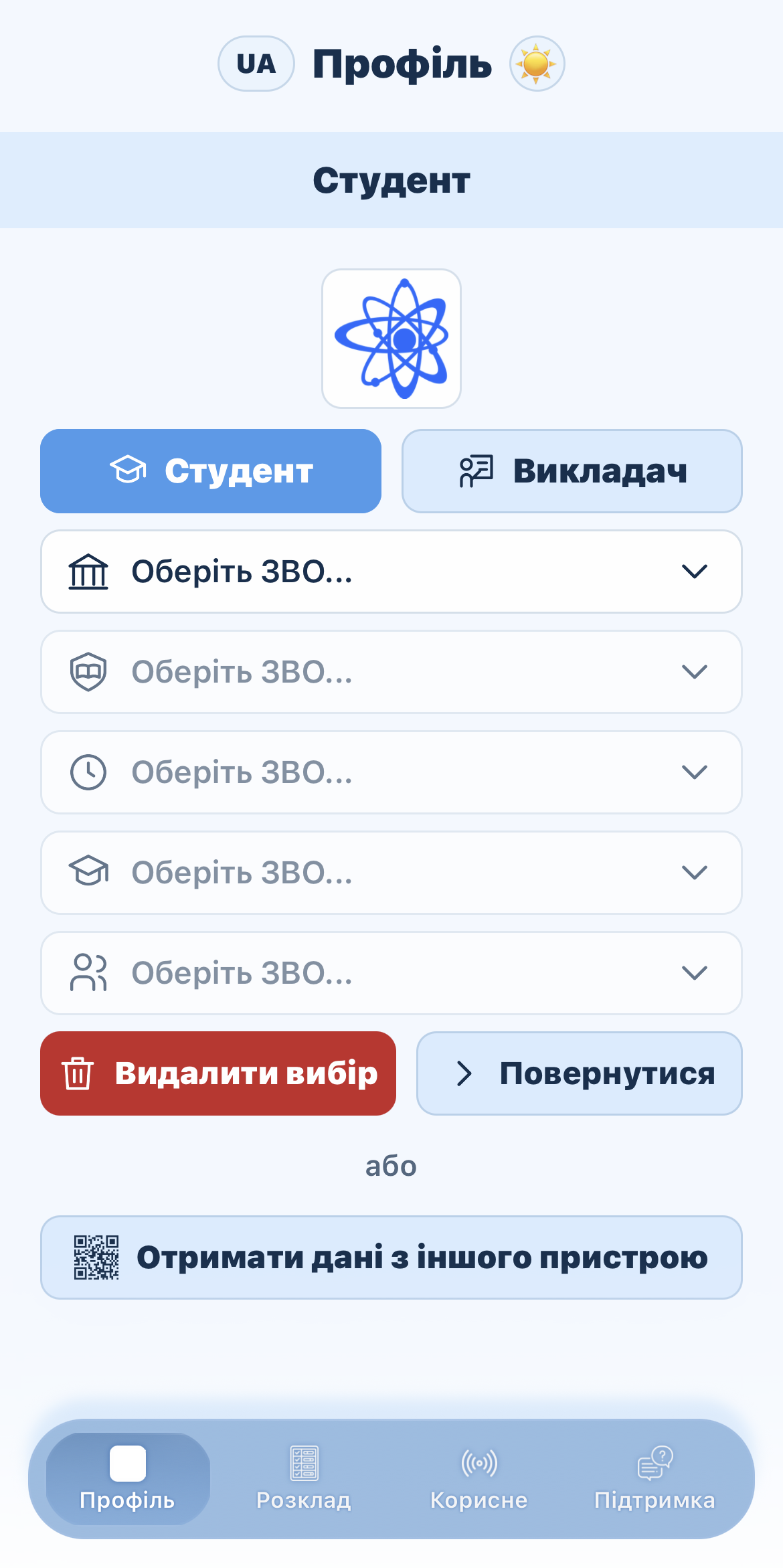
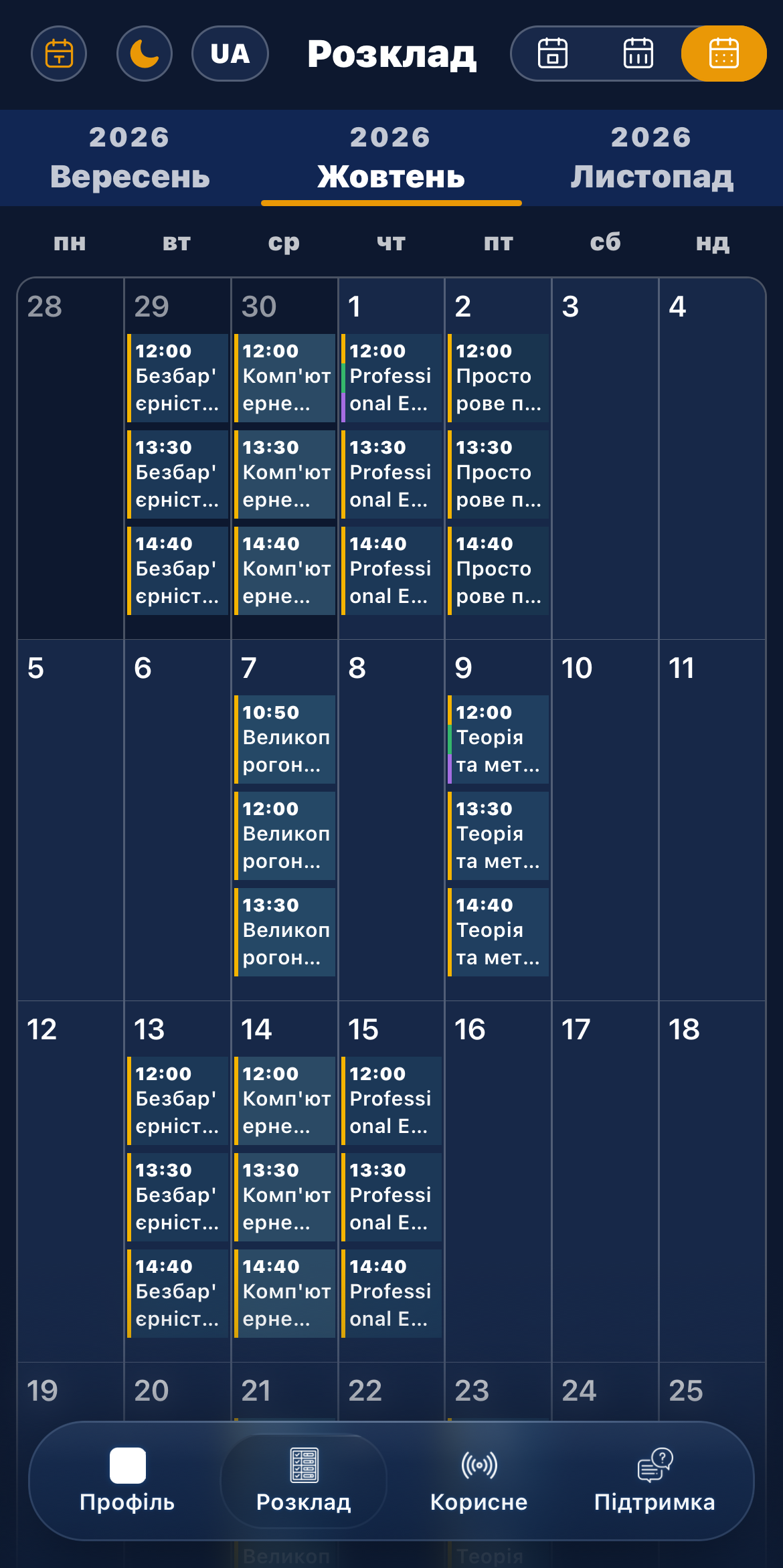
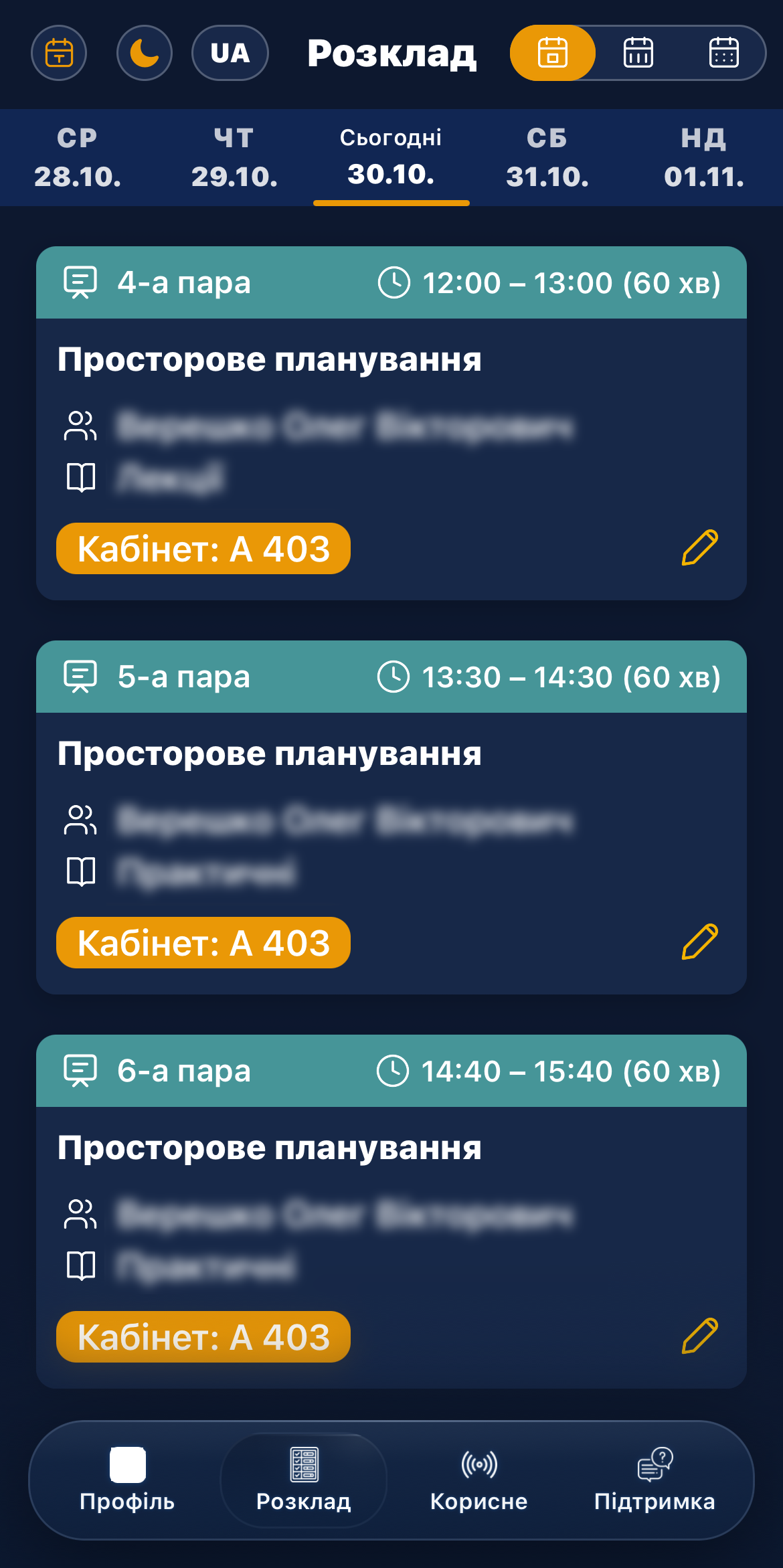
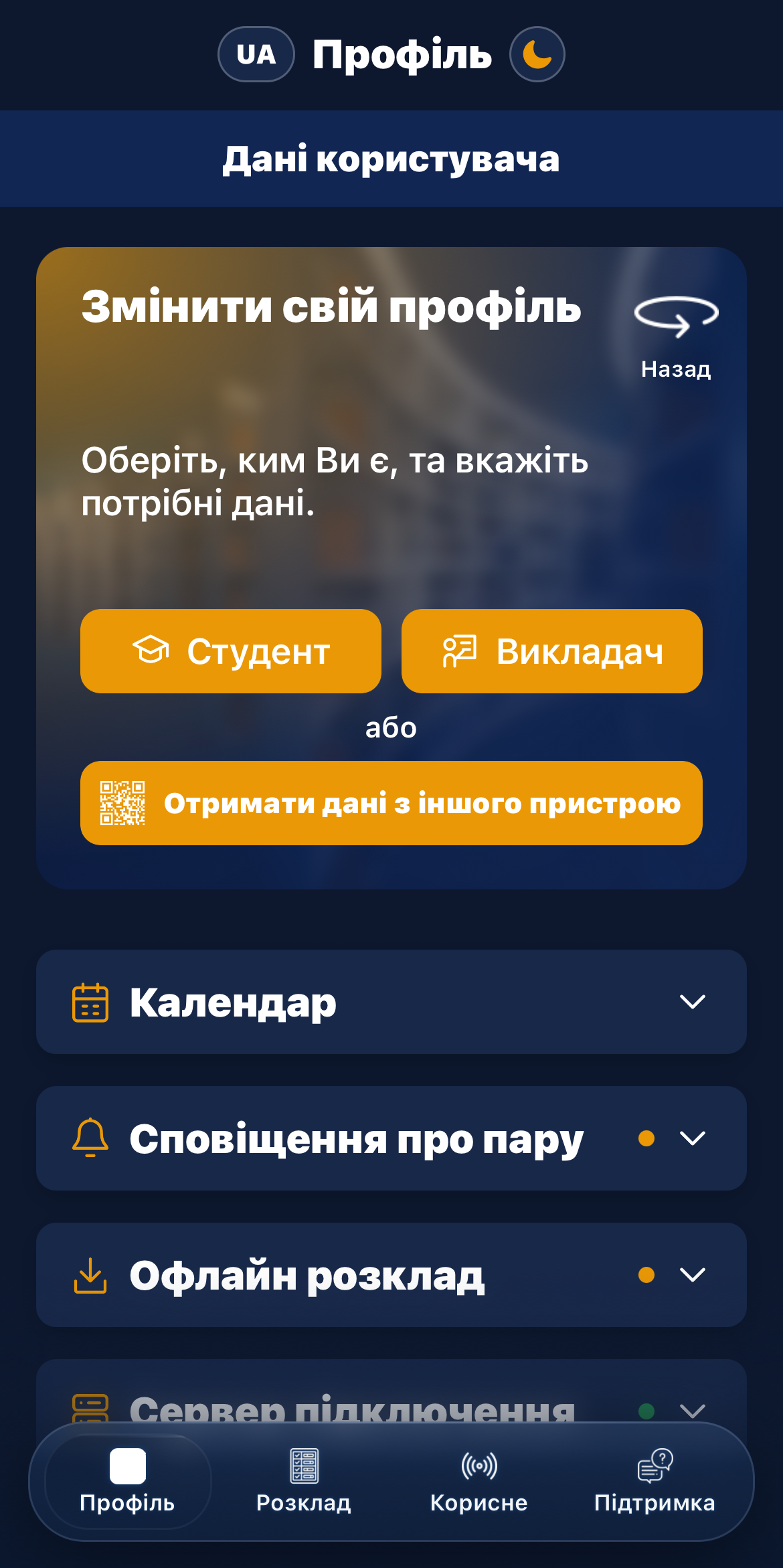
View your timetable by day, week or month, keep up to date with the latest news and manage your profile from your smartphone. Add links and notes to individual lessons so that the materials you need are close at hand. The app shows your current lesson and sends notifications about classes. Light and dark themes, along with offline timetable settings, help you organise your school day.